Conversational attributes in Google Merchant Center: prepare your product feed for AI-driven shopping queries
.jpeg)
This article discusses the introduction of conversational attributes in Google Merchant Center, which enhance product feeds to better support AI-driven shopping queries.
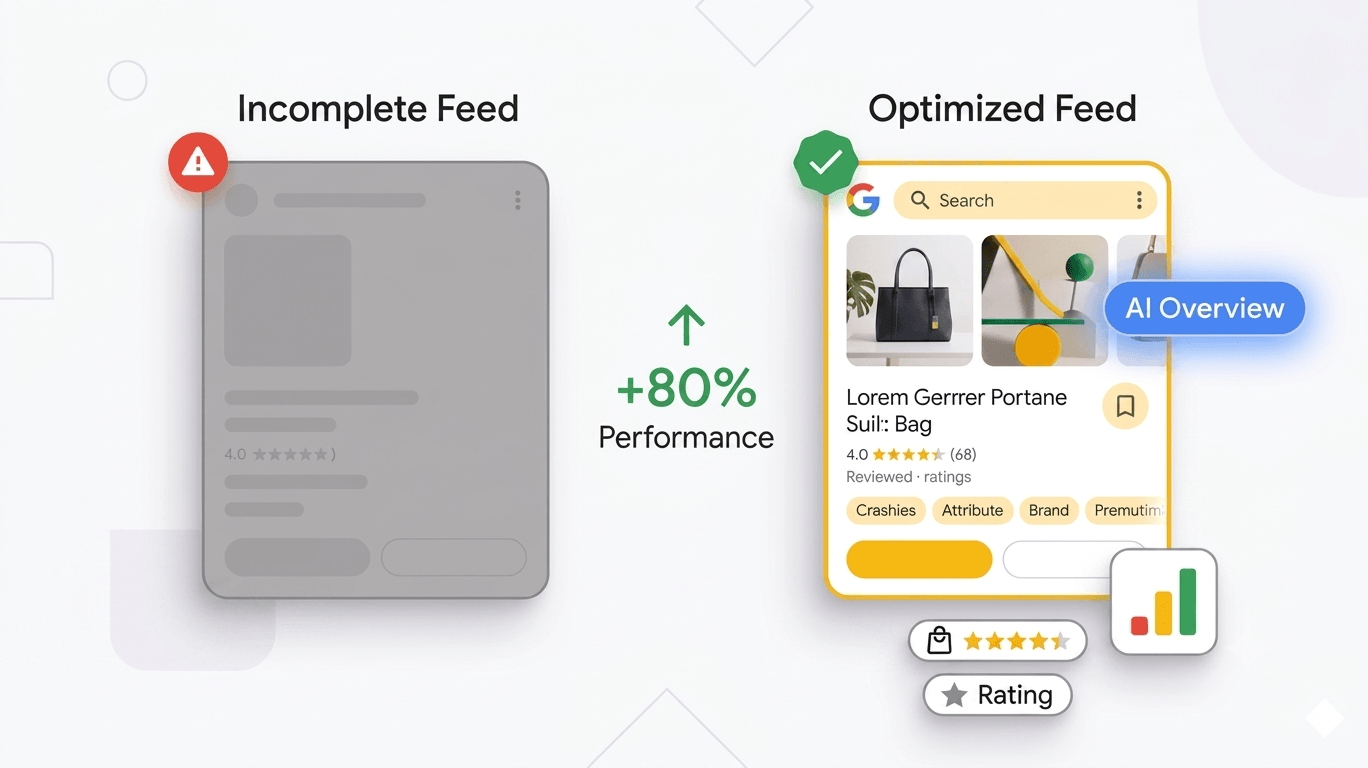
Google has added six new attributes to the Merchant Center product data specification. They are called conversational attributes, and they are designed to help Gemini and other AI systems understand your products at a level of detail that a standard title and description cannot reach. They are optional, they will not affect the approval status of your current products, and they can be included in a supplemental data source without touching your primary feed.
That combination of low risk and high upside makes them worth understanding properly, especially now that the way shoppers find products is changing fast.
Why Google needs more from your feed right now
Shopper behaviour is shifting. Queries are getting longer, more specific, and more detailed. Someone searching for a running shoe today might type "trail running shoes for overpronation that work in wet conditions under £120" rather than simply "trail running shoes." AI Mode in Search and Gemini-powered commerce platforms are built to handle that kind of query, but they require richer product information to do it well.
The numbers make this concrete. Conversational queries now account for over 60% of Google Shopping searches, according to 2026 research published by Scube Marketing. At the same time, Google AI Overviews appear on roughly 14% of purchase-intent queries as of early 2026, a 5.6x increase from November 2024, based on Visibility Labs' analysis of over 20.9 million keywords. Brands cited in AI Overviews earned 35% more organic clicks and 91% more paid clicks than brands that were not cited, according to Seer Interactive research published by ALM Corp.
The underlying reason for all of this is straightforward. When Google receives a query it has never seen before in exactly that form, it cannot rely on historic click history or SERP behaviour to decide what to surface. Instead, it leans on the product information itself. The more structured, specific, and accurate that information is, the easier it becomes for Gemini and other AI surfaces to match your products to queries they have never seen before. Conversational attributes exist to fill that gap.
.jpeg)
What Google says about these attributes
Google announced conversational attributes at Google Marketing Live 2026 as part of a wider push to help merchants improve visibility across AI-powered shopping experiences.
According to Google's official documentation, conversational attributes are designed to complement your primary Merchant Center product information, not replace it. If you already include relevant details in your description, product_highlight, or product_detail fields, there is no reason to duplicate them in the conversational attributes. The intent is additive: cover ground that your existing content does not reach.
You can add them through a supplemental data source (Google's recommended approach), through your primary data source, or via the Merchant API. Google lists six attributes in total.
The six conversational attributes explained
Question and answer [question_and_answer]
This is the attribute that offers the most immediate value for most merchants. It lets you include FAQ-style content as structured product information. Each entry pairs a question with a plain-language answer.
Google's documentation gives a simple example: for a smartphone, you might add "Does it have a headphone jack?":"This version doesn't have a headphone jack." alongside "Does it support Bluetooth?":"It has full Bluetooth 6.0 support." Both are direct, factual, and specific. That specificity is the point.
Natural language buyer queries tend to carry very specific constraints. Someone asking Gemini about a home espresso machine might want to know whether the steam wand is compatible with non-dairy milk. Someone asking about a winter jacket might want to know if the outer shell is machine washable. Someone buying a replacement monitor might ask whether it supports 144Hz at 1440p over DisplayPort. A standard product description rarely answers all of these directly. A well-built Q&A set does.
To build useful FAQ content, start with the questions your customers already ask. Support tickets, live chat logs, product page review questions, and pre-sale enquiry emails are all good sources. The questions that come up repeatedly before a purchase tend to be exactly what a Gemini shopping agent will be asked to answer.
A few practical rules for FAQ content that actually works:
- Keep questions product-specific, not policy-related. "Does this come with a two-year warranty?" is better than "What is your returns policy?"
- Keep answers short and factual. One or two sentences is enough.
- Cover compatibility, materials, sizing, included accessories, and technical specs. These are the pre-purchase blockers.
- Update your answers when product specs change.
For large catalogs, building this manually is slow. More on how Clarmix handles this below.
Document link [document_link]
This attribute lets you link to PDF documents associated with a product, such as a user manual, a safety sheet, an assembly guide, or a technical specification document. Multiple PDFs can be submitted by separating URLs with a comma.
It is most useful for product categories where documentation genuinely matters before or after purchase: electronics, power tools, flat-pack furniture, appliances, medical devices, fitness equipment. Less relevant for clothing, stationery, or simple consumables.
When a shopper asks an AI agent something that the product description does not cover, a linked manual gives the agent another structured source to pull from. For example, if someone asks "how do I recalibrate the pressure sensor on this espresso machine after descaling," a linked PDF manual is far more useful than any free-text description you could write.
Related product [related_product]
This attribute lets you signal relationships between products in your catalog. It is a group attribute with three sub-attributes: relationship_type, identifier_type, and identifier.
Relationship types include accessory, required_part, and often_bought_with. So if you sell a camera body, you might pass accessory:gtin:811571013579 to link a compatible lens, or required_part:id:AZ7B to link a battery that is required for the device to function.
This helps Gemini and other agents give coherent, complete answers to bundle-style queries. When someone asks "what do I need to get started with this camera," an agent that understands your product relationships can recommend the right accessories without guessing.
The practical benefit here goes beyond AI surfaces. It also gives Google clearer signal about how your catalog is structured, which can improve how your products are grouped and presented across commerce surfaces in general.
Item group title [item_group_title]
If you sell products with variants, such as a t-shirt available in five colours and three sizes, the item_group_title attribute gives the whole variant family a clean, human-readable name. Google's documentation uses "Organic Cotton Men's T-Shirt" as an example.
Without this attribute, an AI agent presenting product options might list each variant as a separate product, which quickly becomes confusing. With it, the agent can refer to the product family by name and then describe the available options. That is a much more natural way to handle a conversational query like "do you have this in a medium?"
This attribute works in combination with item_group_id, which you likely already include in your feed, and with variant_option.
Variant option [variant_option]
This pairs directly with item_group_title. It specifies the properties that distinguish one variant from another, as a name-value pair. Google's documentation gives Shoe width:narrow,size:8 as an example.
Together, item_group_title and variant_option give AI surfaces a complete picture of what makes each variant distinct. That matters when a shopper asks something specific: "do you have this in a wide fit," "is the 512GB version available in black," "does the large come in organic cotton too." Without structured variant information, the model has to infer from titles. With it, it can answer directly.
Popularity rank [popularity_rank]
Popularity rank is a self-reported value between 0 and 100. A higher value indicates a better-performing product within your catalog. Google's example uses 95.5 for a top performer.
You decide what performance means: units sold, revenue, page views, add-to-cart rate, conversion rate, or a combination. The key point is that this attribute is relative to your own catalog, not a signal that you outrank competitor products. Setting every product to 100 will not give your catalog an advantage over anyone else's. It will just deprive Google of useful relative ranking context within your own range.
A realistic distribution is the right approach. Top sellers at 85 to 95. Mid-range performers at 40 to 70. Slow movers at 10 to 30. That distribution gives AI surfaces something useful to work with when deciding which of your products to prioritise in a buyer response.
A concrete example: what a full conversational attribute set looks like
Here is what a well-structured attribute set for a single product might look like in practice. Imagine you sell a stainless-steel insulated water bottle.
The item_group_title is "Stainless steel insulated water bottle." The variant_option values cover capacity:500ml and colour:slate grey. The question_and_answer pairs answer: "Is this dishwasher safe? The bottle body is dishwasher safe, but the lid should be hand washed to preserve the seal." And: "How long does it keep drinks cold? It keeps drinks cold for up to 24 hours and hot for up to 12." And: "Does this fit in a standard car cup holder? Yes, the base diameter is 7.3cm, which fits most standard cup holders." The document_link points to a care and maintenance PDF. The related_product links to a compatible carry sleeve and a replacement lid. The popularity_rank is 82, reflecting that this is a strong seller but not the top SKU in the range.
That full picture gives Gemini everything it requires to handle a specific query like "insulated bottle that keeps drinks cold all day, fits in a car cup holder, comes in grey." No guesswork required.
How to decide which products to enrich first
Not every product in your catalog will benefit equally from conversational attributes. For merchants with large inventories, adding them across every SKU at once is neither practical nor the most effective use of time. A tiered approach works better.
Start with your highest-intent products. These are the items where a shopper is already close to a decision but may have one or two specific questions blocking the purchase. Think about products where your support team regularly answers the same pre-sale questions. If you have an espresso machine where customers frequently ask whether it works with a specific type of pod, or a piece of fitness equipment where people ask about weight ratings and assembly difficulty, those are your best starting candidates for question_and_answer content.
Move next to technically complex products and products with multiple variants. These tend to generate the most ambiguous queries in AI surfaces. A camera with five compatible lens options, a standing desk with six height configurations, a skincare serum available in three concentrations: without structured attribute information, a Gemini agent presenting these products is working with incomplete context. With variant_option and item_group_title in place, it can answer variant questions directly rather than sending the shopper elsewhere to find out.
Then consider products with existing documentation. If you sell appliances, tools, or electronics and already have PDF manuals hosted online, adding document_link to those products requires minimal effort and can meaningfully improve how AI agents handle post-purchase questions. It also helps buyers who are comparing products evaluate yours more thoroughly before committing.
Popularity rank is the one attribute where you can work across your full catalog in a single pass. Pull your sales or revenue data by SKU, normalise it to a 0 to 100 scale, and map the values. It does not require any content generation.
The supplemental feed approach
Google recommends adding these new attributes through a supplemental data source rather than including them directly in your primary feed. This is good practice for two reasons. First, it keeps your primary product catalog clean and focused on the required fields Google uses for approval and matching. Second, it makes conversational content easier to update independently, without triggering a full reprocess.
A supplemental data source works by overriding or enriching specific fields for products identified by their id. You add the new attributes in the supplemental file, reference the same product IDs, and upload it alongside your primary catalog through Merchant Center.
JULY 2026 UPDATE: Clarmix now generates Merchant Center conversational attributes for you
Clarmix's Feed Enrich tool now includes a dedicated generation type for conversational attributes. In a few clicks, you can add question_and_answer and document_link content to all your products without building it manually.
Clarmix reads your product pages, your existing feed details, and your current product catalog. The model then generates conversational attributes that are structured, accurate, and ready to include. The output is formatted for use in a supplemental data source, so it works exactly within Google's recommended setup.
This generation type works alongside all the others Clarmix already supports, including titles, descriptions, product categories, product types, product highlights, and product details. If you are already using Feed Enrich for any of those, the new conversational attributes slot in without any additional configuration.
For merchants with large catalogs, this removes the biggest practical barrier to adoption. Writing Q&A pairs for hundreds or thousands of products by hand is not realistic. Doing it in bulk, from your existing product pages and catalog details, is.
What this means for your existing product data quality
Conversational attributes are an addition to the fundamentals, not a replacement for them. Your titles, descriptions, images, GTIN identifiers, structured markup on product pages, pricing accuracy, and product reviews all still carry the most weight in how your products perform across paid and organic commerce campaigns.
If your product catalog has unresolved issues with required attributes, missing images, price mismatches between your feed and your site, or category errors, those remain the first things to address. A well-built question_and_answer set on a product with a rejected status does not help anyone.
The right order of work is: resolve any outstanding catalog issues first, then layer in the new attributes for products that are already performing or have the clearest potential to benefit from richer visibility across AI surfaces. High-ticket products, technically complex products, and variant-heavy products are the best places to start.
Frequently asked questions
Do conversational attributes affect my product approval status?
No. According to Google's documentation, submitting these attributes will not impact the approval status of your existing products. They are additive.
Can I add conversational attributes through my existing Merchant Center setup?
Yes. You can include them in your primary data source, through a supplemental data source (Google's recommended approach), or via the Merchant API.
Do I need to duplicate information already in my description or product highlights?
No. Google's documentation is explicit that if you already include information in description, product_highlight, or product_detail, there is no reason to repeat it in the conversational attributes.
Which products should I prioritise?
Start with products that are technically complex, carry multiple variants, have high purchase intent, or regularly generate pre-sale questions. These benefit most from structured Q&A content and clear variant information.
How does Clarmix help with this?
Clarmix's Feed Enrich tool generates question_and_answer and document_link content for your products in bulk. It reads your product pages, your existing catalog details, and your product file, then outputs structured conversational attributes ready for supplemental data source submission.
The broader picture
As confirmed at Google I/O 2026, the Shopping Graph powers AI Overviews, Gemini recommendations, AI Mode, and the new Universal Cart, meaning catalog coverage and attribute completeness now affect visibility in AI-generated answers, not just traditional placements. The product standards that made feeds perform well in traditional Shopping are the same ones that determine eligibility across AI surfaces. Conversational attributes extend that logic one step further.
The merchants who act on this early, while most competitors are still focused on traditional feed optimisation, will have a structural advantage as Gemini and other AI surfaces handle a growing share of commercial queries. The window to build that advantage is open now. Google's new AI performance insights report in Merchant Center gives you a way to measure how your products are performing across these surfaces as you build out your conversational attribute coverage.
Join our monthly tips!
Get fresh insights on Google Shopping optimization delivered straight to your inbox.

.jpeg)
.jpeg)